
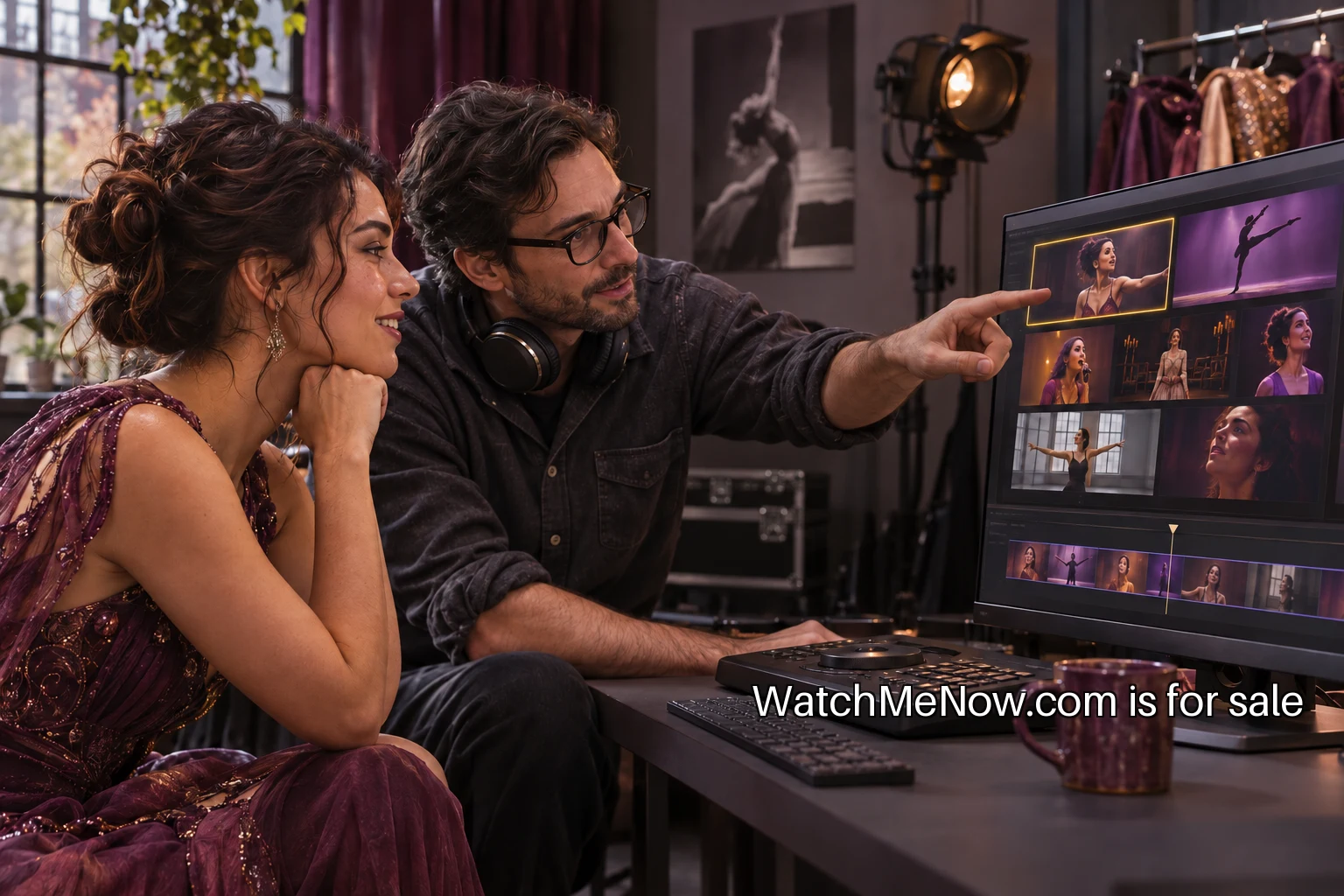
Choose clips for a real next conversation
A video portfolio should help someone decide what to ask you next. A performer applying for an intimate live booking needs to show different work from a presenter seeking a long-form interview role. Begin by naming the opportunity you want the portfolio to support. That choice will guide the clips, descriptions and contact information. A page trying to serve every possible audience often makes each visitor do too much interpretation.
Choose three complementary pieces rather than every recording you have. One can show the core work at its best, another can demonstrate range and a third can show the format most relevant to the intended opportunity. A booker does not need six versions of the same opening. Give each clip a distinct reason to be on the page and remove material that no longer represents the work you want to do.
Put the strongest relevant example first
The opening clip should match the page's stated purpose. If the page is for live performance bookings, lead with a live performance rather than a visually elaborate promotional montage. A montage may be useful later, but it can conceal the things the visitor needs to judge: continuity, sound, stage presence and the shape of a full moment. Choose evidence that lets the work be seen directly.
The clip does not need a long title sequence. Show enough context for the visitor to understand the setting, then let the performance begin. If you edit a longer piece, make it clear that the clip is an excerpt. Keep a full version available when appropriate and permitted. A short selection can open the conversation, with the longer recording ready for someone who needs more detail.
Give each recording a useful label
Write a title that identifies the work and format. Below it, state your role, the recording date and relevant context. “Lead vocal, three-piece acoustic set, recorded live in a seated room” gives a booker something concrete. A description filled with praise adds little if it leaves the visitor unsure what they are watching. Distinguish your contribution from the work of collaborators.
For collaborative pieces, credit people accurately and ask how they want to be named. A clip from a larger production may require permission before you publish it in your own portfolio. Check the agreement and the relevant rights rather than assuming participation gives unrestricted reuse. Keep a record of where each file came from and what permission supports its display.
Let the page explain the selection
A concise introduction can describe the kind of work represented and the opportunities you are seeking. It should connect the clips, not repeat a full biography above the player. A performer might say that the selection shows small-room original songs and a live arrangement for a trio. The rest of the page can then supply the evidence. Keep the introduction specific enough that a visitor knows they are in the right place.
Place background information after the primary work unless the intended audience requires a particular credential first. A long career history can overwhelm a small selection of strong clips. Include a short biography, a relevant credit list and a contact path. If a technical rider or longer résumé is useful, give it a clear label and keep it current rather than scattering several unexplained downloads across the page.
Make the video understandable in more ways
Check captions for spoken material and lyrics where appropriate, rather than publishing an automatic transcript without review. Names, specialist terms and stage dialogue can be misheard. A transcript can also provide a useful text route through a clip. The W3C guidance for audio and video explains the different accessibility elements to consider when preparing media.
Important visual information may need description or context beyond a dialogue transcript. A dance portfolio, for example, can identify the piece, the role and the relevant movement segment in nearby text. Test the player with keyboard controls and check whether the labels make sense without a mouse. A portfolio is an introduction to the work, so access belongs in the presentation decisions from the beginning.
Check sound and picture on ordinary devices
Review every clip on a phone and a typical laptop, with headphones and with their built-in speakers. Watch the opening, a quiet passage and a loud passage. Look for clipped framing, unreadable titles and abrupt volume changes between clips. A technically impressive source file can still produce an awkward viewing experience after it is embedded on the page.
If you are recording new material with OBS, the official quick start guide is a starting point for sources and a test recording. The important portfolio decision is to review the actual exported result. Ask someone who did not make the recording what they could hear and what they could not see. Their answer is more useful than the equipment list.
Make the contact step unambiguous
State what kind of enquiry is welcome and provide a working route. If a representative handles bookings, use the approved representative details and make the relationship clear. If you use a contact form, ask only for what is needed to respond. Test it yourself and check the resulting message. A visually polished portfolio with a broken contact path leaves the visitor at a dead end.
Avoid scattering competing buttons around every player. One clear contact point near the work and another after the background information can be enough. On a phone, check that the visitor can reach it without struggling past a huge embedded video. Give external links descriptive labels so the page does not become a row of unexplained icons.
Keep an update routine small enough to use
Put a review date on your own calendar. Check that players load, credits remain correct and availability information is current. Replace a clip when stronger relevant work exists, rather than adding endlessly to the page. Keep an archive privately if you need it. The public selection should describe the performer you are presenting now.
Ask a person from the intended audience to use the page without guidance. Can they identify your role, choose a relevant clip and find the next step? Note the first point where they hesitate. Fix that point before adding another feature. A portfolio often improves through a clearer title or a shorter introduction rather than a larger redesign.
Finish with a deliberate set of three
For a practical first pass, select the three clips, write one sentence of context for each and verify the permissions. Add the concise introduction and a tested contact route. Then watch the complete page on a phone, in order, as if you were seeing the work for the first time. Remove anything that repeats what the selection already proves.
A useful portfolio gives the next conversation a starting point. The visitor can refer to a specific performance, ask about a relevant format and reach the person who can answer. That is a complete job for a small page, and it is a better test of readiness than the number of videos it can hold.